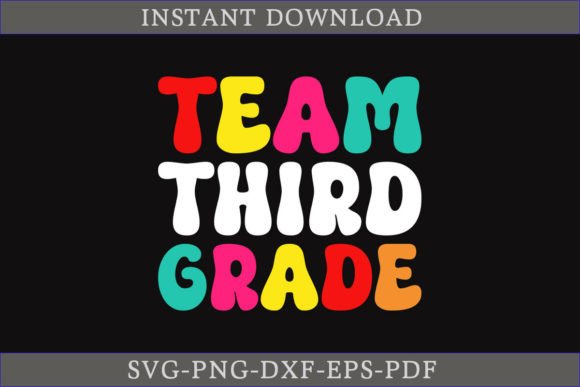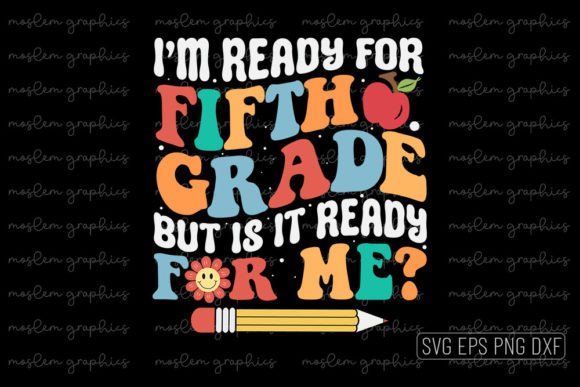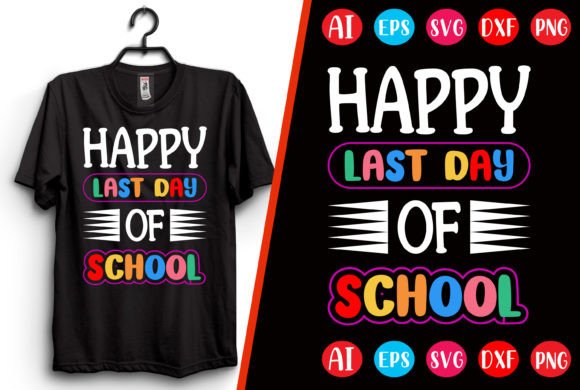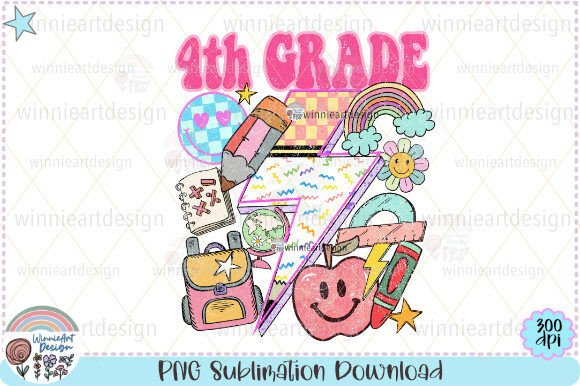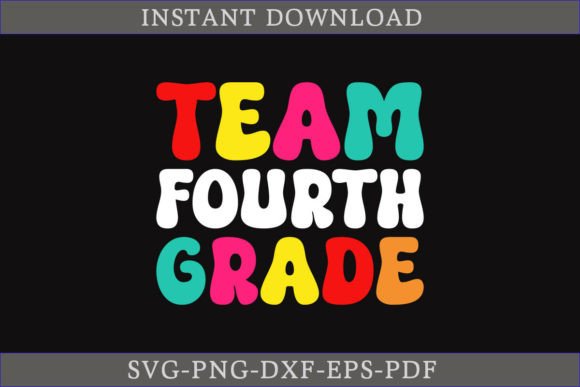
Team Fourth Grade T-shirt Design: A Practical Asset for Educators, Makers, and Small Business Owners
When preparing for back-to-school season, educators, PTA organizers, camp directors, and small apparel entrepreneurs need more than just a visual idea—they need production-ready assets that integrate seamlessly into existing workflows. The Team Fourth Grade T-shirt Design is one such asset: a versatile, professionally crafted SVG bundle built for real-world use—not just display. It’s not a generic clipart download; it’s a purpose-built vector resource designed to move efficiently from concept to physical product.
How This Design Fits Into Your Workflow—Before, During, and After Production
Unlike raster images or poorly structured vectors, the Team Fourth Grade T-shirt Design supports multiple phases of a project lifecycle. Before printing, its layered, editable structure lets you adjust colors, scale proportions without distortion, or isolate elements for mockups in Canva, Adobe Illustrator, or Silhouette Studio. During production, compatibility with Cricut Design Space, Silhouette Cameo, and other cutting machines means minimal file conversion—no last-minute troubleshooting when deadlines loom. After final output, the same files serve as reusable brand elements: resize for classroom posters, adapt for parent newsletter headers, or repurpose as digital badges for student recognition programs.
What’s Inside—and Why File Format Variety Matters
You receive one zip archive containing five core formats: SVG, DXF, EPS, PNG, and PDF. Each serves a distinct functional role:
- SVG: Ideal for web-based design tools and Cricut users who need responsive scaling and layer control.
- DXF: Required for precise vector import into Silhouette Studio and some industrial cutters—especially important if you’re working with vinyl or heat-transfer materials.
- EPS: Ensures backward compatibility with older versions of Adobe Illustrator (including CS6 and later), preserving vector integrity across software generations.
- PNG: High-resolution raster version for quick digital previews, social media posts, or print-on-demand platforms that don’t accept vector uploads.
- PDF: Print-ready layout with embedded fonts and CMYK-ready color profiles—useful for professional screen printers or local copy shops.
This multi-format approach eliminates bottlenecks. You’re not forced to choose between convenience and precision—you get both, in one package.
Editing Without Friction: What “Fully Editable” Actually Means
The phrase “fully editable” is often overused—but here, it reflects concrete technical decisions. Every shape is built from clean, ungrouped vector paths—not flattened layers or embedded raster effects. That means you can:
- Select individual letters or icons and recolor them independently using the fill tool—not just apply global tint overlays.
- Adjust stroke weight or remove outlines entirely without pixelation or jagged edges.
- Reposition elements using alignment guides, snap-to-grid, or numeric coordinate entry—critical when matching placement specs for shirt front vs. sleeve prints.
- Export subsets (e.g., just the “4th” numeral) for use on stickers, name tags, or classroom signage.
No tracing, no redrawing, no guesswork. What you see in the preview is what you edit—without hidden compound paths or locked layers that block customization.
Real-World Use Cases Across Roles
Educators and School Staff: Use the design to unify grade-level spirit wear—coordinate with parent volunteers to order matching shirts for field trips, open houses, or reading challenges. Because the file includes transparent backgrounds and scalable vectors, it works equally well on light cotton tees and dark polyester performance fabric.
Small Business Owners & Hobbyists: If you run a local craft booth or Etsy shop, this design shortens your time-to-market. Upload the SVG directly to Printful or Printify for automated fulfillment—or pair it with your Cricut Maker to produce limited-run batches in-house. Consistent quality across products (t-shirts, mugs, tote bags) reinforces brand trust without requiring custom illustration each time.
Freelancers & Marketing Contractors: When managing multiple school clients, maintain consistency by using the same base file across districts—then customize colors and add school logos using the editable vector layers. It reduces revision cycles and keeps client expectations aligned with deliverables.
Compatibility and Setup: What You Need to Know Before Opening the Zip
The files are pre-packaged in a single ZIP archive. Unzipping is required before use—no cloud-based extraction needed. On Windows or macOS, double-clicking the ZIP opens it natively. For mobile users or shared devices, ensure your file manager supports ZIP decompression (most do). Once extracted, organize the folder by format type or project phase—for example, keep SVGs in a “Cutting Files” subfolder and PNGs in “Digital Assets.”
All vector files are created at 300 DPI resolution and include standard US letter-size artboards (8.5" × 11"), making them compatible with most home printers and commercial plotters. Fonts used are outlined—so even if you don’t own the original typeface, text remains crisp and editable as shapes.
Maintaining Quality Over Time
Because this is 100% vector-based, you won’t face degradation from repeated resizing—a common issue with JPEG or PNG assets. Save edited versions with descriptive names (e.g., “TeamFourthGrade_RedShirt_Silhouette_v2.svg”) rather than overwriting originals. This preserves flexibility for future projects: maybe next year you’ll switch to navy blue, or add a mascot icon beside the grade number. With clean layers and grouped components, those updates take seconds—not hours.
Also consider version control: if you’re collaborating with a graphic designer or print vendor, share only the formats they need (e.g., EPS for their RIP software, PNG for email proofs). Avoid sending full ZIP archives unless necessary—reducing file size and minimizing miscommunication about which file to use.
Efficiency Gains You’ll Notice Immediately
Most users report cutting setup time by 40–60% compared to sourcing or creating designs from scratch. That’s not just about speed—it’s about predictability. Knowing the file will behave consistently across machines means fewer test cuts, less material waste, and smoother handoffs between design and production teams. For educators juggling lesson planning and extracurricular coordination, that reliability translates directly into saved mental bandwidth.
And because the design avoids trendy visual clutter—no excessive gradients, drop shadows, or overly stylized fonts—it stays relevant beyond a single school year. You can refresh it with seasonal accents (e.g., adding apples in September or snowflakes in December) while keeping the core identity intact.
Final Integration Tip: Build It Into Your Annual Planning Cycle
Treat the Team Fourth Grade T-shirt Design like any other reusable curriculum or marketing asset—schedule time each June or July to review, update, and repackage it for the upcoming year. Export fresh PNG previews for parent communication, update color palettes to match new school branding guidelines, and archive previous versions for reference. This turns a one-time purchase into a sustainable, long-term workflow component—not just a seasonal stopgap.